Your phone in the customs officer's hand
US border officers can search your phone without a warrant. How the border search exception works and concrete steps travelers can take to protect their data.
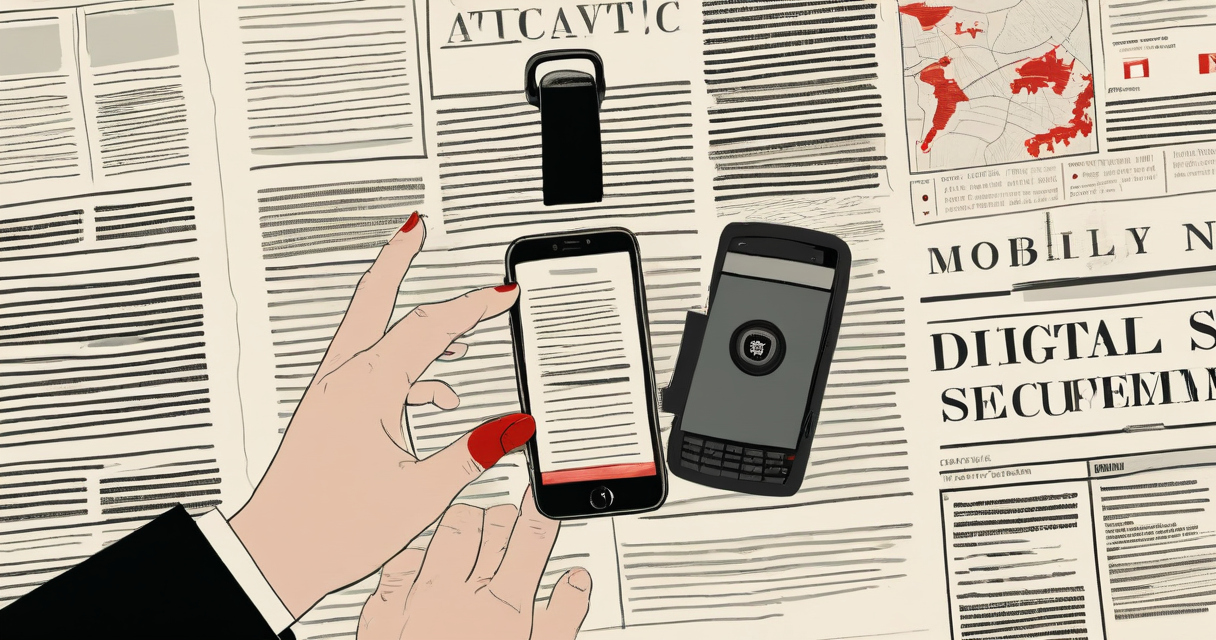
In fiscal year 2022, U.S. Customs and Border Protection searched 45,499 travelers’ electronic devices at ports of entry. In 2015, that number was about 8,500. None of those searches required a warrant. Most required no stated suspicion at all. If you flew back into the country last summer, the legal authority that let an officer ask for your phone was the same one that lets them open your suitcase - and your phone holds a great deal more than a suitcase does.
That authority is the border search exception, and understanding it is the difference between a traveler who plans and one who improvises at a counter while jet-lagged. This is not a hot take about whether the rule is right. It is a map of how the system actually works and what you control inside it.
The border exception, and why your phone sits inside it
The Fourth Amendment protects you against unreasonable searches. Courts have carved out a long-standing exception at the border: the government’s interest in controlling what crosses into the country is treated as strong enough that routine searches there need neither a warrant nor probable cause. That doctrine predates the smartphone by roughly two centuries. It was built for cargo and luggage, and it now reaches a device that carries your messages, location history, photos, health records, and every term you have ever typed into a search bar.
In 2014, Riley v. California held that police need a warrant to search a phone seized during an arrest, precisely because a phone is not a pack of cigarettes - the quantity and kind of data it holds is different in nature, not just degree. That ruling did not touch the border.
The courts have since split on whether Riley’s logic should reach a port of entry. The Ninth Circuit, in United States v. Cano (2019), said forensic searches need reasonable suspicion and must be limited to looking for digital contraband. The First Circuit, in Alasaad v. Mayorkas (2021), said no warrant and no probable cause are required at all. The Supreme Court has not resolved the conflict. So the rule you face depends partly on which airport you land in - which is another way of saying there is no single national rule protecting the device in your pocket.
Why it matters: you cannot plan around case law that shifts by circuit and may change again. You can only plan around the worst case, which is that an officer can ask, and the legal floor beneath you is low.
Two kinds of search, and the line between them
CBP’s own directive, 3340-049A, issued in 2018, splits device searches into two tiers. That distinction is the single most useful thing a traveler can carry into the line.
A basic search is an officer picking up your unlocked phone and scrolling through it by hand - opening your photos, your messages, your apps, your notes. CBP’s position is that this requires no suspicion whatsoever. Any traveler, any time, no reason given.
An advanced search is when they connect your device to external equipment to copy, extract, and analyze its contents - a forensic dump. CBP’s policy says this one requires reasonable suspicion of a legal violation or a national security concern, plus a supervisor’s sign-off. In practice that is the Cellebrite-style extraction that pulls deleted files, location trails, and full message histories into a searchable report that outlives your trip.
The number that should anchor your thinking: the large majority of the tens of thousands of annual searches are basic, manual ones. The forensic tier is comparatively rare. But “rare” stops meaning anything if you have been flagged, and the policy that gates the forensic tier is an agency directive, not a statute. It can be rewritten without Congress, and a future version is not a thing you get to vote on at the gate.
Why it matters: the thing most likely to expose your data is the simplest one - an unlocked phone handed across a counter. Everything downstream, every argument about encryption and suspicion thresholds, assumes the officer could not simply scroll. If the phone is unlocked, they can.
Citizens, visa holders, and what refusing actually costs
Your rights at the border are not the same as the rights of the person next to you in line, and the whole difference comes down to admission.
A U.S. citizen cannot be denied entry to their own country for refusing to unlock a device. You have an absolute right to come home. But refusal carries a cost: officers can detain the device, hold it for days or weeks, and send it off for forensic analysis. You may well fly home without your phone.
A lawful permanent resident, a green card holder, sits in a stronger position than a visitor but can still face pressure and delay. Revoking residency requires a formal legal process, not an officer’s decision at the gate.
A visa holder or a visitor traveling under the Visa Waiver Program holds the weakest hand. Refusing to unlock a device can be treated as grounds to deny entry outright. For a non-citizen, “I decline” can translate directly into “I get on the next flight out.”
Why it matters: your travel plan should match your status. A citizen can absorb the cost of refusing and losing a device for a while. A visa holder usually cannot, which means the only real protection for a non-citizen is not carrying the sensitive data in the first place.
Passcodes versus your face
There is a legal and technical wrinkle worth turning into a reflex: compelling a passcode and compelling a fingerprint are treated differently.
Several courts have held that forcing you to speak or type a passcode may be “testimonial” - it reveals the contents of your mind - and can implicate the Fifth Amendment’s protection against self-incrimination. Forcing you to press a finger to a sensor or look at a camera has more often been treated as non-testimonial, closer to handing over a physical key. The law here is unsettled and varies by court, but the asymmetry is consistent enough to act on.
The practical move: before you reach the checkpoint, turn biometric unlock off. On an iPhone, holding the side button and a volume button, or powering the phone fully off and back on, forces it to require the passcode on the next unlock. On Android, the lockdown option does the same. A phone that opens only with a memorized code is far harder to open against your will than one that opens the moment someone holds it up to your face.
Why it matters: this is the rare place where a ten-second action changes the physics of the situation. A face unlock can happen while you stand there and watch. A passcode cannot be lifted out of your head.
What to actually do before you fly
Treat the border like a hostile network segment. You do not send your crown jewels across a link you do not trust. You send the minimum, and you assume anything that crosses can be read and copied.
- Travel with less. The cleanest defense is a device that does not hold much. A dedicated travel phone, or a wiped and minimally restored primary phone, exposes far less than your daily driver. You cannot be made to reveal what is not there.
- Move sensitive data to the cloud and remove it from the device before travel. CBP policy says officers search the device, not the cloud, and their guidance instructs officers to disable network connectivity before a search. Data that lives only in an account you have signed out of is not on the phone in front of them.
- Power the device fully off before you reach the booth. A phone that has been powered down sits in its most protected state, “before first unlock,” where the keys for most of your data are not even loaded into memory.
- Turn biometrics off, as above.
- Sign out of apps and browsers you do not want browsed, and remove accounts you do not need for this trip.
- Decide your number in advance. If you are a citizen, settle before you land on what you will do if asked, and accept that losing the device for weeks is the price of refusing.
Why it matters: every item on that list is something you control completely, done before you are tired and standing in front of someone with authority. Decisions made at the counter, under pressure, are bad decisions.
After the search, assume the device is compromised
If your device left your sight, or was connected to anything, stop treating it as trusted. From a different device, change the passwords for every account that was signed in on it, starting with email. Rotate anything that functions as a key: app tokens, saved passwords, two-factor backup codes. If it was a forensic, advanced search, assume a full copy exists and will persist - CBP retains extracted data under its own schedules, and a copy outside your control is a copy you can no longer protect.
Write down the details while they are fresh: the officer’s information, whether the device was detained, and any receipt. CBP issues Form 6051D when it holds property; keep it. Those records are exactly what a lawyer or an advocacy group such as the EFF or the ACLU needs if you later decide to challenge the search.
The quiet part of all this is that the border is not an exception to your security model. It is a documented, predictable place where your normal assumptions - I hold the only copy, no one opens this without me - stop holding. Everything above is just moving your defenses to before the moment you lose control, because at the border, losing control of the device is the plan, not the accident.
Keep Reading
 GrapheneOS
A claim, not a control
GrapheneOS rewrote its Messages app under a privacy and security claim, but the enforcing controls are not named or independently verifiable.
 iPhone Duo
iPhone Duo is not a convenience feature
iPhone Duo's shared access and multi-device authentication expand who can authenticate and access, collapsing resource security to the weakest device and party.
 grapheneos
It measures conformity, not security
Volkswagen blocks GrapheneOS while admitting baseline devices. The gate measures configuration identity, not security posture.
Latest on the Wire
Full wire →- 1936 Electrical Control Room’s Hidden LegacyHacker News
- 40% of health facilities fail mock bird flu outbreak drillArs Technica
- AI Crushes Stratego, Solving Longtime Challenge on a BudgetHacker News
- AI Evangelism Sparks Industry DissatisfactionHacker News
New signal daily · RSS
Stay in the loop
New writing delivered when it's ready. No schedule, no spam.