The Advisory Told You to Update. It Didn't Tell You What's Already Running.
Patching the advisory isn't enough. If your CI pipeline ran during the compromise window, the compromised code is baked into your container images and still running. Here's how to find it.
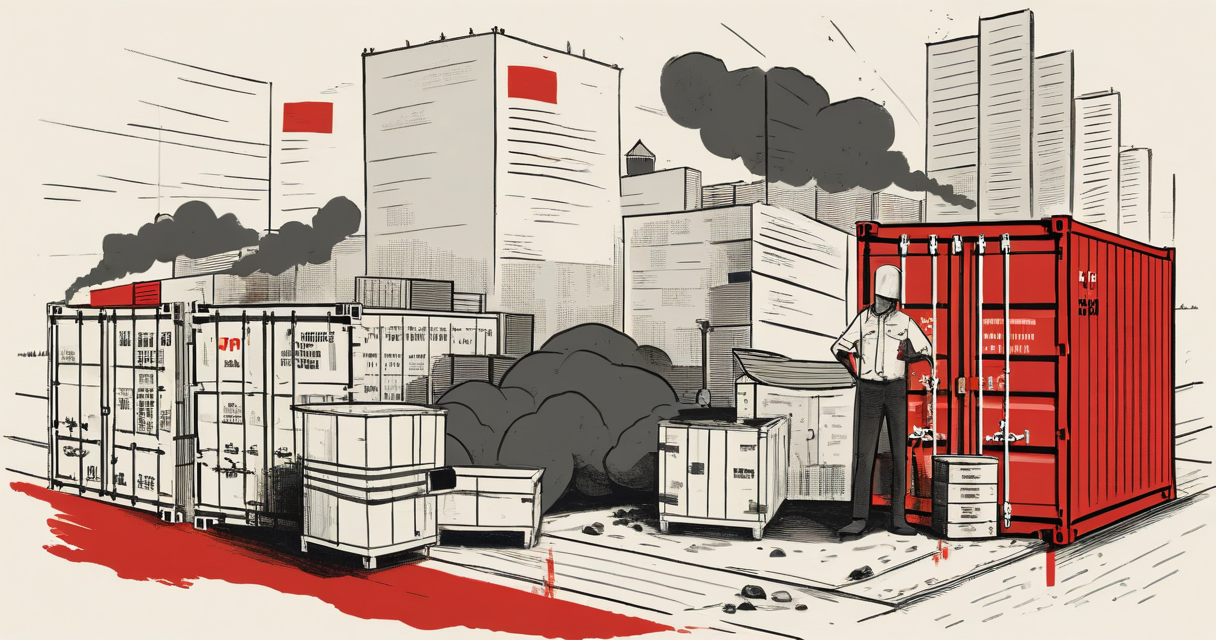
The Advisory Told You to Update. It Didn’t Tell You What’s Already Running.
axios - the most downloaded HTTP client in the JavaScript ecosystem, pulling over 50 million downloads per week on npm - had its npm publish access compromised. For a window of hours, any CI/CD pipeline that ran npm install pulled a version that wasn’t what it claimed to be. The package has since been remediated. Maintainers rotated credentials. The advisory went out. Most security teams read it, opened a PR, bumped the version, and marked the ticket closed.
That response is incomplete. And in most production environments, it means compromised code is still running right now.
Container Images Don’t Update Themselves
When you build a Docker image, the node_modules directory gets baked in at build time. The image is immutable. That’s the point. You build it once, promote it through environments, run it in production. Stability by design.
The problem: if your CI pipeline ran during the compromise window - even for an unrelated deployment - your container image contains the compromised axios version. Not a reference to it. The actual package, embedded in the layer. Updating your package.json and merging a patch PR doesn’t touch that image. It creates a new one. The old one keeps running until you redeploy.
In a standard Kubernetes setup with rolling deployments, some pods are running image A while new pods come up on image B. You might be running the compromised version on half your fleet right now while your dashboard shows the PR is merged and the ticket is closed.
Most Teams Have No Visibility Into What’s Running in Their Containers
Ask your team: what version of axios is running in production at this exact moment? Not what’s in your package.json. Not what your latest image was built with. What is actually executing inside the containers currently serving traffic?
Most teams can’t answer that. Not because they’re careless - because the tooling to answer it isn’t standard.
Package managers like npm resolve and install at build time. The dependency tree is recorded in package-lock.json or yarn.lock in your source repo. But once that image is running, there’s no built-in mechanism to query it. You can’t npm list a running container without exec’ing into it. You can’t cross-reference your lock file against what’s deployed without additional tooling.
This is the visibility gap supply chain attacks exploit. The attack surface isn’t just “does your code use this package.” It’s “is the compromised version of this package currently executing in a process you trust.”
How to Actually Answer the Question
Three approaches, ordered by how much friction they involve.
1. Scan your running images with Trivy or Grype.
Both tools can scan a container image and produce a full software bill of materials (SBOM) - every package, every version, including transitive dependencies nested inside other packages. Neither requires exec access to a running container. They work against the image layer directly.
trivy image your-registry.example.com/your-app:current-tag --vuln-type library
Run this against every image tag currently deployed, not just latest. If you’re running multiple versions across environments, scan all of them.
Grype output can be filtered for a specific package:
grype your-registry.example.com/your-app:current-tag | grep axios
This tells you the exact installed version, not what your source repo says it should be.
2. Check your image registry for build timestamps.
Every image registry worth using - ECR, GCR, ACR, Docker Hub - logs the build timestamp for each tag. Pull the timestamps for every running image. Cross-reference against the compromise window. Any image built during that window is a candidate for further inspection regardless of what the package version shows, because you don’t yet know whether the compromised version also manipulated its own version string.
That second point matters more than most advisories acknowledge. A sophisticated compromise can serve a clean-looking version number while the malicious payload executes. Version strings are not attestations.
3. Generate and store SBOMs at build time going forward.
Syft can produce a machine-readable SBOM at the point of image creation:
syft your-registry.example.com/your-app:tag -o spdx-json > sbom.json
Store this artifact alongside the image in your registry. Now when an advisory drops, you can query your SBOM store rather than scanning live images reactively. The difference is minutes versus hours, and it works without disrupting running workloads.
This is the workflow most advisories assume you already have. Most teams don’t.
The Three-Hour Window Is a Floor, Not a Ceiling
For this specific incident, the compromise window was measured in hours. That’s short. It limits the blast radius. But the lesson being drawn from that framing - “it was only three hours, minimal impact” - misreads the actual risk model.
First: build pipelines run continuously. Large organizations might run hundreds of CI jobs per day. A three-hour window is enough to compromise dozens of image builds across multiple services.
Second: the detection window is separate from the compromise window. You might not know an image was built during the window until you scan it. If you have no SBOM and no runtime inventory, you’re guessing.
Third: the reported timeframe covers the compromise window as measured and communicated. The actual window of exposure - for your organization - is the period between when a compromise happens and when you’ve verified your last deployed image is clean. For most teams, that second timestamp hasn’t been established yet.
What Container Runtime Security Actually Looks Like
If you’re running workloads in Kubernetes, these controls reduce your exposure window for future incidents:
Admission control with image digest pinning. Pin image references to digest (sha256:...) rather than tags. Tags are mutable. A compromised registry push can update a tag without your knowledge. Digests are immutable references to a specific layer tree. Require digest references in your deployment manifests.
Continuous image scanning in your registry. ECR, GCR, and ACR all support automated scanning on image push. This catches known vulnerabilities at push time, not discovery time. It won’t catch a zero-day compromise, but it catches the hours-later window after a CVE is published and before you manually scan.
Runtime policy enforcement. Tools like Falco can alert on unexpected network connections, file writes, or process executions from within containers. If a compromised package exfiltrates data or spawns a shell, that’s a behavioral signal that scanning alone won’t catch. The rule is simple: axios should not be spawning subprocesses or opening outbound connections to infrastructure you don’t own. Write that policy explicitly.
Immutable infrastructure with short image lifetimes. If your containers are replaced on every deploy and your deploy cadence is hours rather than weeks, compromised images have a shorter operational window by default. This is a design discipline, not a product you buy.
The Real Gap
Supply chain advisories are written from the perspective of the package registry. They identify the affected versions, describe the remediation, and tell you to update. That’s correct and necessary.
But the operational reality of production environments is that “update the package” is a multi-step process that involves rebuilding images, promoting them through environments, and replacing running containers. Each of those steps takes time. Each step requires someone to initiate it. And none of that happens automatically when an advisory is published.
The assumption embedded in most advisories is that your production environment is continuously synchronized with your source code. It isn’t. Production environments are running images built at specific points in the past, and the gap between those images and your current source can be hours, days, or weeks depending on your deploy cadence.
That gap is what makes supply chain attacks effective even when the compromise window is short. The attack doesn’t need to persist. It just needs to persist long enough for your build pipeline to pick it up, bake it into an image, and deploy it before anyone notices.
Keep Reading
 credential-exposure
One grep, full repo access
A security camera shipped a full-scope GitHub PAT in its login page bundle. The credential exposure, supply-chain exploit path, GitHub audit-log telemetry, and why rotation - not removal - is the only fix.
 supply-chain-security
A valid go.sum hash proves nothing
Argegy is not a CVE. It's a Go supply chain claim against go-ethereum - module trust, init() execution, T1195, and where telemetry goes blind.
 supply-chain-security
Spain rips Palantir out of its data pipelines
Spain's Palantir blacklist is a supply chain concentration risk - a privileged vendor data plane mapped to MITRE T1199, and why customer telemetry stays blind.
Stay in the loop
New writing delivered when it's ready. No schedule, no spam.